
IMPORT SERVICES

Have compliance questions? Our team of licensed customs brokers is here to help.

Our Services

Customs Clearance

We provide Customs Clearance services at all U.S. ports for ocean, air, and truck shipments.

A mobile app interface shows two profiles: one for Chloe Rivera, Operations Manager, with a profile picture of a smiling woman with dark hair in a bun, and one below it for Importal Licensed Customs Brokers, with a group photo of three people. A green button at the bottom says 'Ready for pick up' with a checkmark icon.
Learn More →

HTS Classification

Comprehensive HTS classification services, ensuring accurate tariff code assignments to optimize duties and ensure compliance.

Screenshot of an online form titled 'HTS Classification' with fields for 'Description' and 'Material Composition,' and a green 'Next' button with a cursor pointer.
Learn More →

Import Bonds

Buy import bonds to comply with customs requirements. Don’t know what kind of bond you need? Let’s chat!

Screen displaying options for custom bonds, including Continuous Bond, Single ISF Bond, and Single Entry Bond, each with a shopping cart icon.
Learn More →
The entire Importal team has been extremely communicative and flexible to our business needs. A real breath of fresh air compared to other brokers we’ve worked with.
— Apparel Operations Leader

Customs Clearance made simple

Quickly and easily clear your cargo with our simple platform

Choose your transportation type:

Select how your cargo initially arrives in the US: by ocean, air, or truck.

Online form titled 'Custom Clearance', step 2 of 7, with section 'Select Transportation Type'. Three green buttons labeled 'Ocean', 'Air', and 'Truck'. A green 'Next' button is being clicked.

Provide your HTS code:

Input your HTS code so we can accurately classify your product.

Don’t know your HTS Code? No worries, we can help with that as well.

Online form titled "Custom Clearance" showing step 3 of 7, asking for product's HTS code, with entries "20", "20", "1010", and "23". A green "Next" button with a mouse cursor icon is visible at the bottom right.

Document Upload:

Upload any relevant documents you have on hand - commercial invoice, packing list and bill of lading and any other documents.

Screen capture of a document upload interface titled 'Custom Clearance' showing options to upload 'Commercial Invoice,' 'Packing List,' and 'Bill of Lading' with a green 'Next' button and a cursor hovering over it.

Ready, set, clear:

Congratulations, your Importal team is armed and ready to clear customs on your behalf. Sit back and let us take it from there.
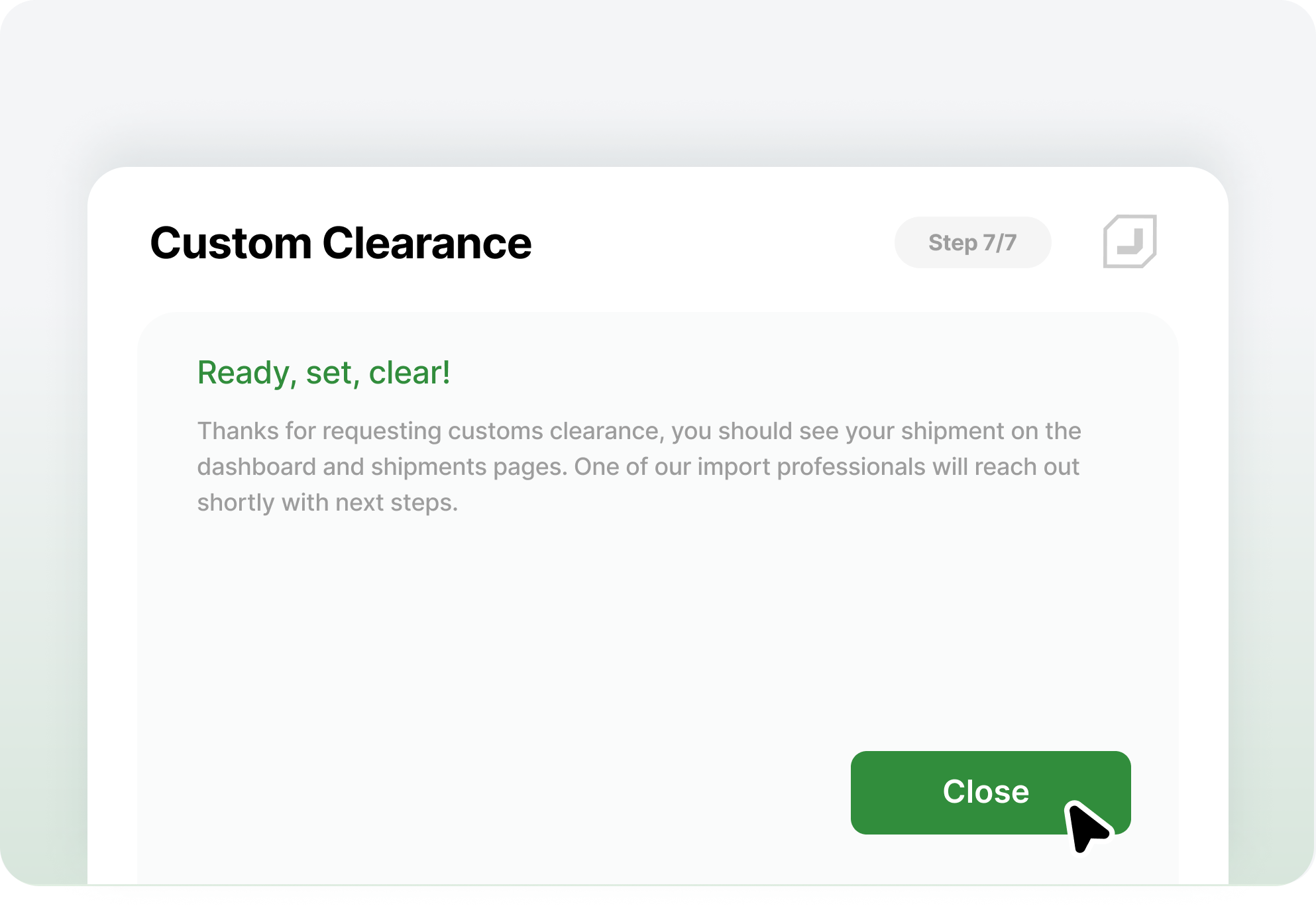
A digital screen showing a confirmation message for customs clearance with a green "Close" button and a cursor hovering over it.