Customs Clearance made simple

Quickly and easily clear your cargo with our simple platform

Choose your transportation type

Select how your cargo initially arrives in the US: by ocean, air, or truck.

Screen showing a step in a custom clearance process with options for transportation types: Ocean, Air, Truck, the cursor on a green Next button.

Input your HTS code so we can accurately classify your product.

Don’t know your HTS Code? No worries, we can help with that as well.

Provide your HTS code

Screenshot of a webpage titled 'Custom Clearance' showing step 3 of 7. It asks 'What's your product's HTS code?' with input boxes filled with '20', '20', '1010', and '23'. There is a green button labeled 'Next' with a mouse cursor pointing to it.
Online form showing a section titled 'Custom Clearance.' The section has a green heading 'Upload your documents' with optional instructions. There are three green rectangular icons labeled 'Commercial Invoice,' 'Packing List,' and 'Bill of Lading,' each with a document icon. A green 'Next' button with an arrow and a mouse cursor pointing at it is at the bottom right.

Upload any relevant documents you have on hand - commercial invoice, packing list and bill of lading and any other documents.

Document Upload

Ready, set, clear!

Congratulations, your Importal team is armed and ready to clear customs on your behalf. Sit back and let us take it from there.
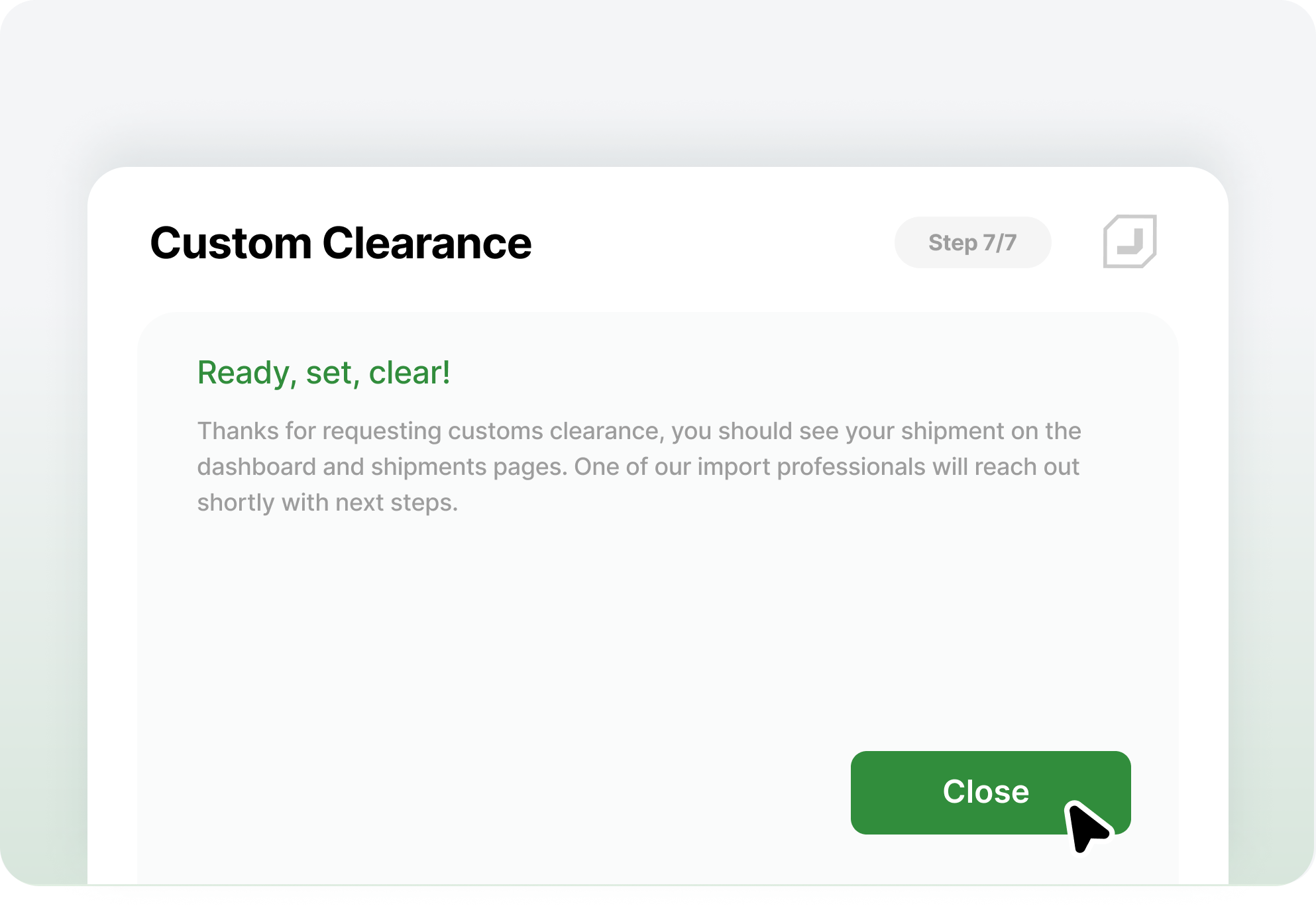

Confirmation message screen with text 'Ready, set, clear!' and a green 'Close' button, indicating customs clearance is complete.

Trade Compliance isn’t easy. Luckily, finding help is.